tilkbook REST API, webhooks & MCP
tilkbook is a pluggable booking module. Connect it to any CRM, PMS, EHR, e-commerce platform, or custom workflow via REST API, real-time webhooks, or the MCP endpoint — no vendor request, no waiting list.
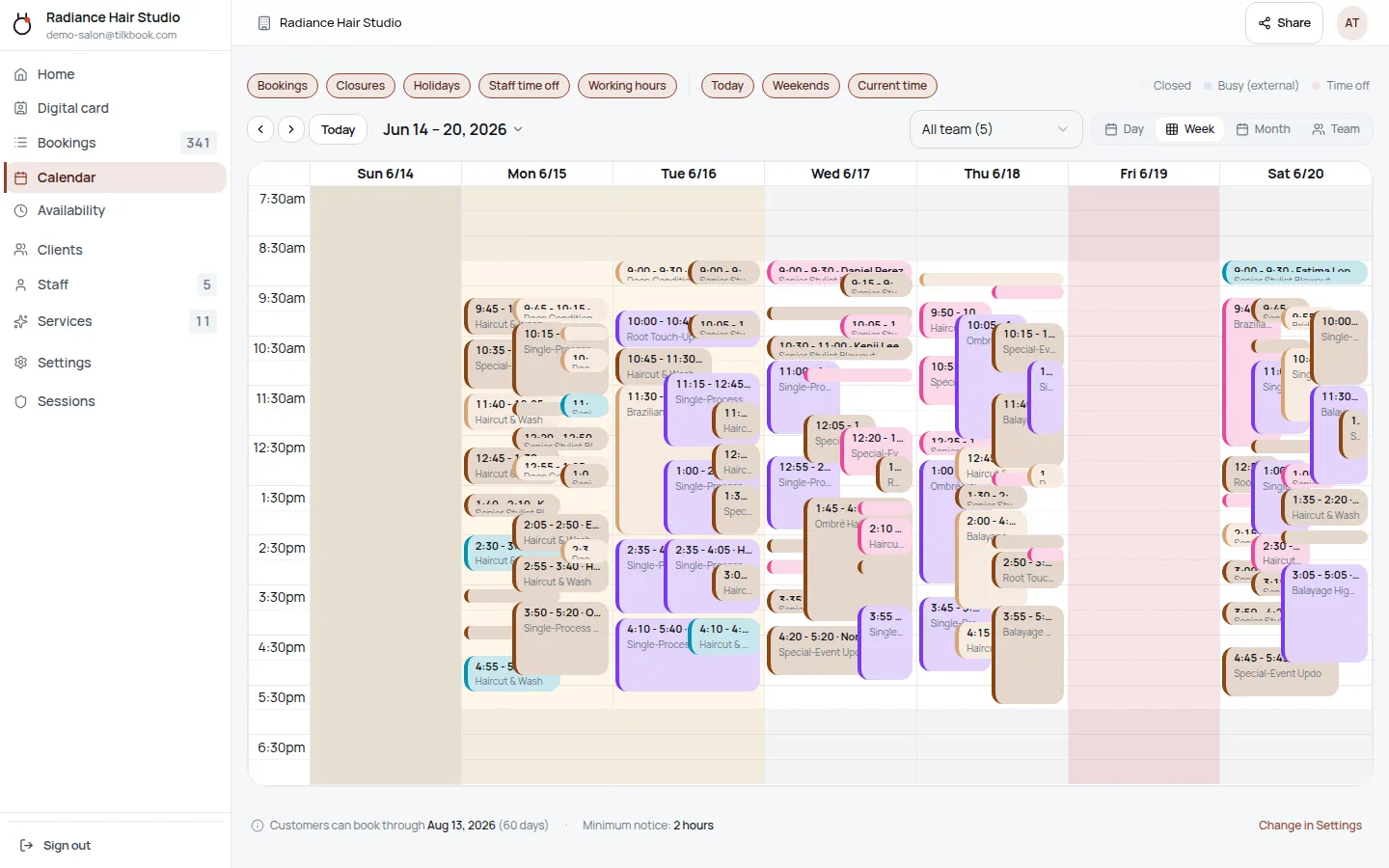
What does the Your stack integration sync?
- ↔ REST API gives programmatic access to bookings, staff, services, availability, and payments
- ↔ Webhook events fire in real time on booking create, update, cancel, no-show, and payment events
- ↔ MCP endpoint lets AI agents read availability and create bookings natively
- ↔ API keys scoped per integration — revoke without touching others
How do I connect tilkbook to Your stack?
Generate an API key in tilkbook
Go to Settings → API Keys, create a key, and copy it. Keys are scoped to your tenant — no OAuth dance for server-side integrations.
Make your first call
Hit the REST API with your key in the Authorization header. Every resource — bookings, staff, services, slots — is available via standard JSON endpoints.
Register a webhook endpoint
In Settings → Webhooks, add your endpoint URL and choose which events to subscribe to. tilkbook signs each payload so you can verify it came from us.
This page positions tilkbook as a developer-friendly, pluggable module. The target audience is developers and technical buyers who want to connect tilkbook to an existing stack without waiting for a native integration.
Key SEO angles: “appointment scheduling API”, “booking system API”, “booking webhook integration”, “MCP booking agent”.
Expand with: real code examples (curl + Python + Node), a list of common integration patterns (CRM → PMS → e-commerce), links to API docs when published, and a “Connect tilkbook to [tool]” section that links back to relevant integration pages.
Integration FAQ.
What can I do with the tilkbook API?
Read and write bookings, list available slots, manage staff and services, retrieve payment and payout data, and trigger customer notifications. If it's in the tilkbook dashboard, it's accessible via the API.
What is the MCP endpoint and who uses it?
MCP (Model Context Protocol) is a standard that lets AI agents — Claude, GPT, Gemini, and others — interact with tilkbook natively. An AI agent can check availability and book an appointment without any custom integration code. It's tilkbook's AI-native interface.
Do I need to contact tilkbook to get API access?
No. Generate an API key from your dashboard immediately. No approval process, no request form. API access is included on paid plans.
What integrations can I build with the API?
Any. Common patterns: push new bookings into a CRM (HubSpot, Salesforce, Clio), sync booking data to a PMS (Dentrix, Mindbody), trigger custom SMS via Twilio, update a Google Sheet on every no-show, or wire bookings into an e-commerce platform like Shopify. The API is the integration layer — you decide what connects.
How do webhooks work?
Register any HTTPS endpoint and choose your events. tilkbook will POST a JSON payload within seconds of each event — booking.created, booking.cancelled, booking.no_show, payment.collected, and more. Each payload is signed with an HMAC secret so you can verify authenticity.
Connect your calendar.
Free to start — no card. Two-way sync on every plan, including free.